

Warehouse Setup Import
Import opening inventory from a legacy CSV and download the current row-based export.
Warehouse Setup Import is the one-time bootstrap that loads your opening inventory from a legacy CSV, creating items, stock and the departments that hold it in a single run.
warehouse role.Running the setup import requires the Warehouse administrator permission.
One-time only — locked once inventory exists
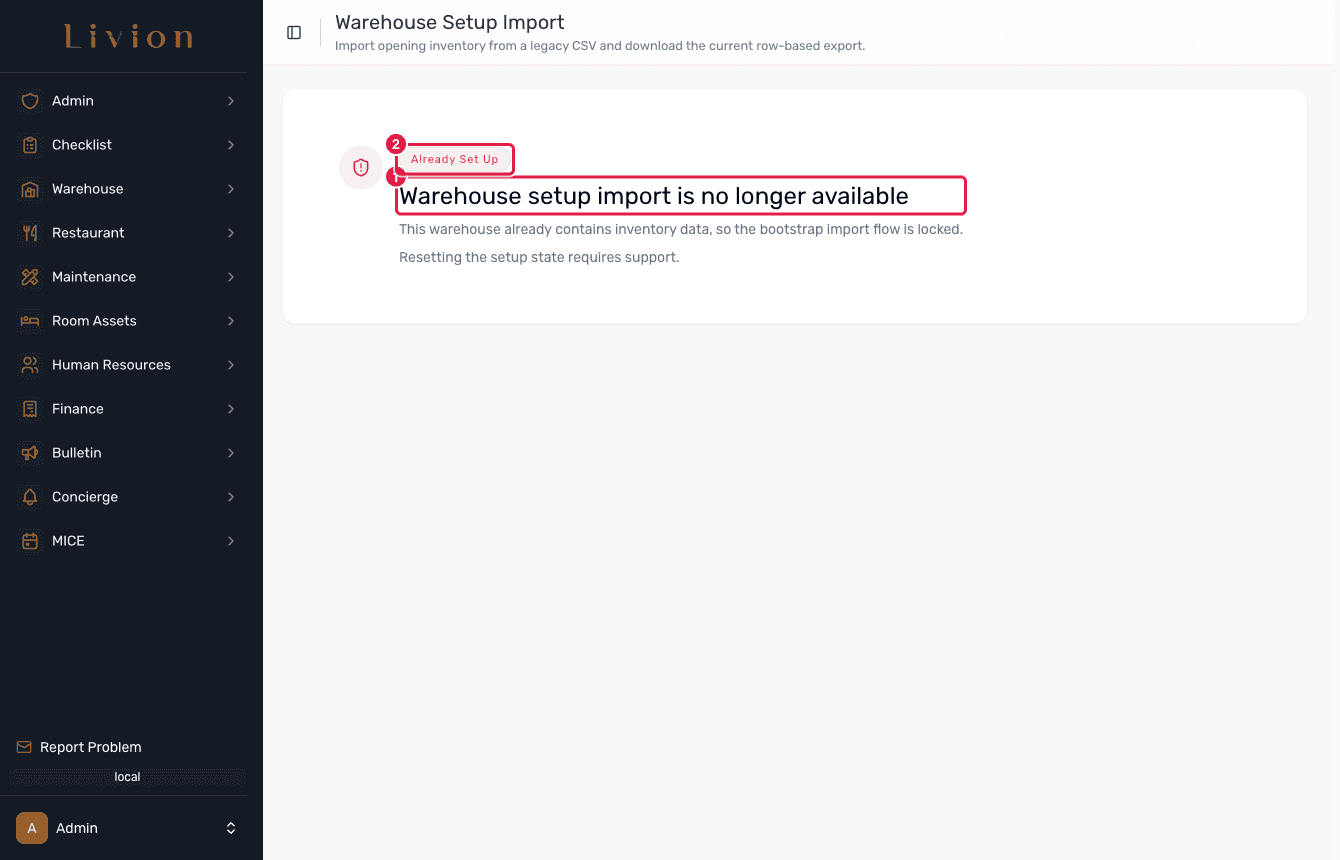
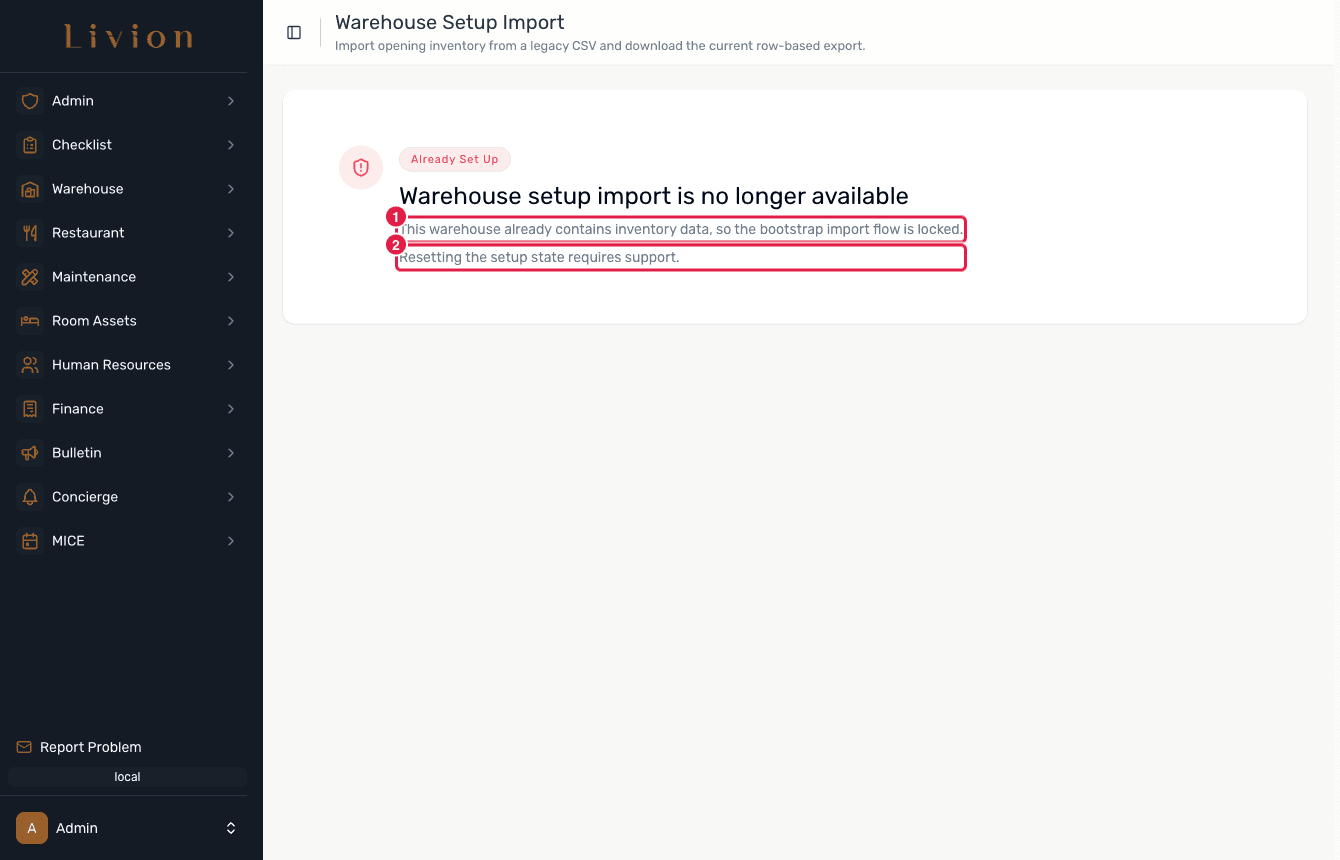
Setup Import runs only before any warehouse or department inventory exists. Once inventory is present the whole flow is locked: the page no longer offers an upload, mapping, preview, Start Import or Download CSV control. Instead it shows an "Already Set Up" hero explaining the import is no longer available. The steps below describe the fresh-warehouse workflow that runs on an empty instance.
How it works
The workflow below applies to a fresh warehouse with no inventory yet.
Upload the CSV
In the Warehouse module open Setup Import and upload your CSV (up to
20 MB). Each row is one stock line. Required per row: Item name,
Quantity and Location — use WAREHOUSE for central warehouse stock; any
other value is treated as a destination department name.
Map the columns
Map each CSV column to a field. Alongside the required fields you can map category (falls back to uncategorized), supplier (falls back to unknown), unit price (defaults to 0), VAT (defaults to 0) and units per package (defaults to 1). Item code and unit type are optional.
Preview the result
The Preview step shows blockers, warnings and the fallbacks that will be applied (for example an uncategorized category or an unknown supplier). Fix blockers before continuing.
Complete the import
Click Start Import. Livion creates any missing categories, suppliers and departments, then the warehouse items, the department inventory items and their stock, recording stock transactions as it goes.
What happens next
- Missing categories, suppliers and departments referenced by the CSV are created automatically.
- Warehouse items, department inventory items and their stock are created, each backed by a stock transaction so the item ledger stays consistent.
- On a fresh instance the flow also offers a Download Inventory CSV export of the current inventory as rows — a standalone export separate from the import.
Setup Import is only available before any warehouse or department inventory exists ("This import is only available before warehouse inventory exists"). Once inventory exists the flow is locked and resetting it requires support. Only one import session can run at a time.