

Department Consumption History
Monitor department consumption patterns, manage restocking needs, and identify waste reduction opportunities.
Monitor department consumption patterns, manage restocking needs, and identify waste reduction opportunities.
warehouse role.Reviewing and reverting consumption requires the Warehouse administrator
permission. Departments record their own consumption from the self-service
inventory in /department/me; this page is where the administrator analyses what
each department has used.
How it works
Review the Insights tab
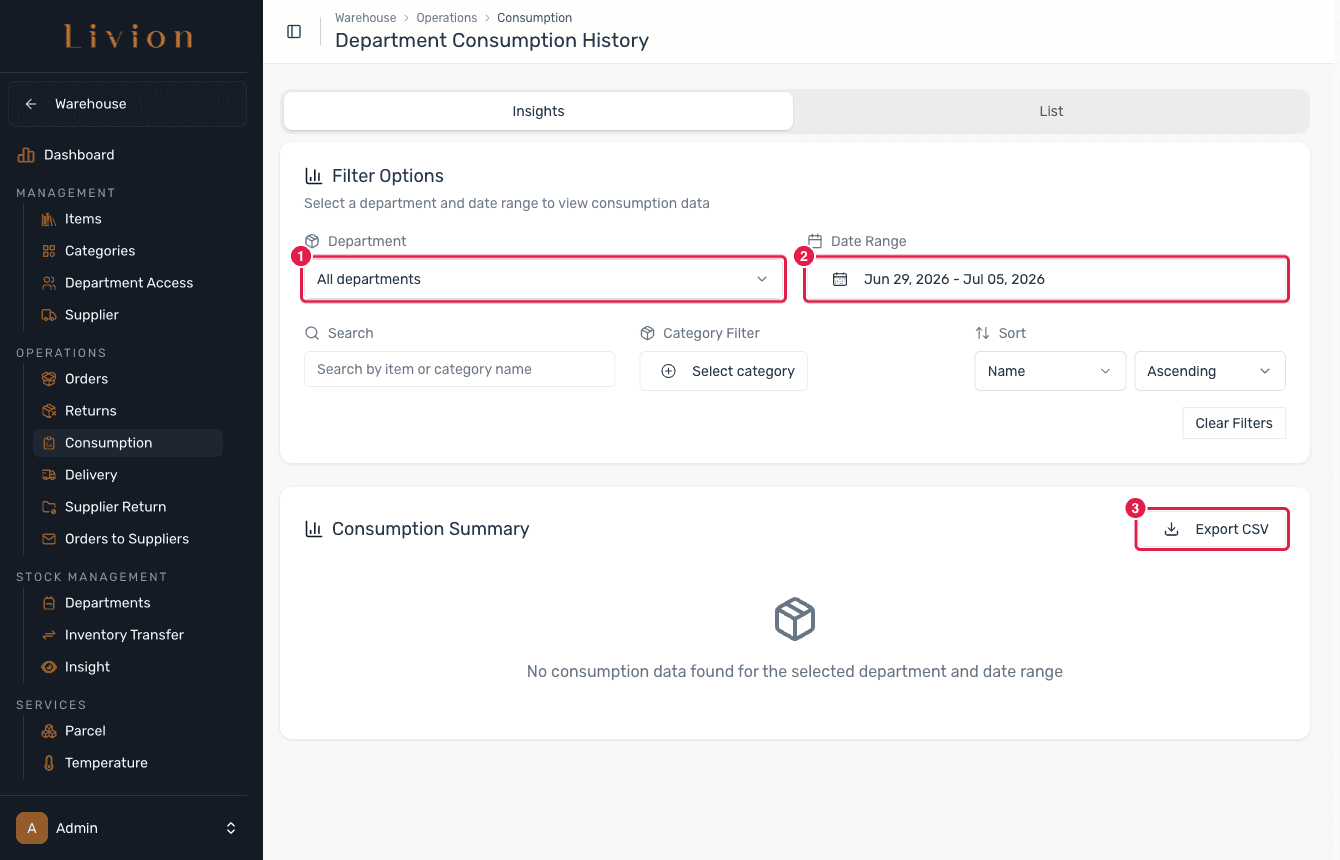
In the Warehouse module open Operations → Department Consumption History. The page has two views: Insights and List. On Insights choose a department and a Date Range, then Export CSV for reporting.
Open the List tab
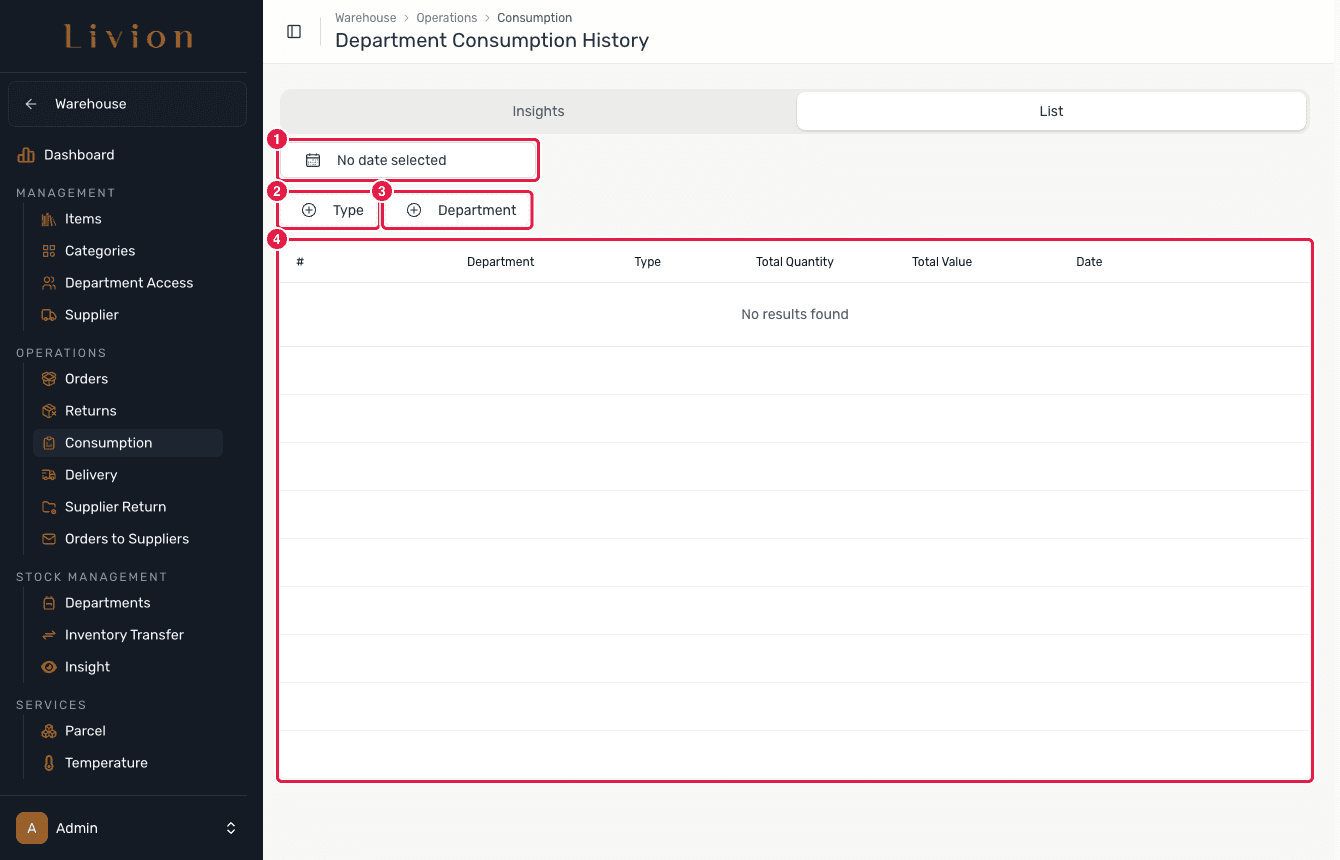
The List tab shows individual consumption records, filtered by date, Type (Consumed / Expired-Damaged / Gifted) and Department. Consumption is valued FIFO, so the figures reflect the real cost of what was used. A record appears here once a department records a consumption.
Revert a consumption
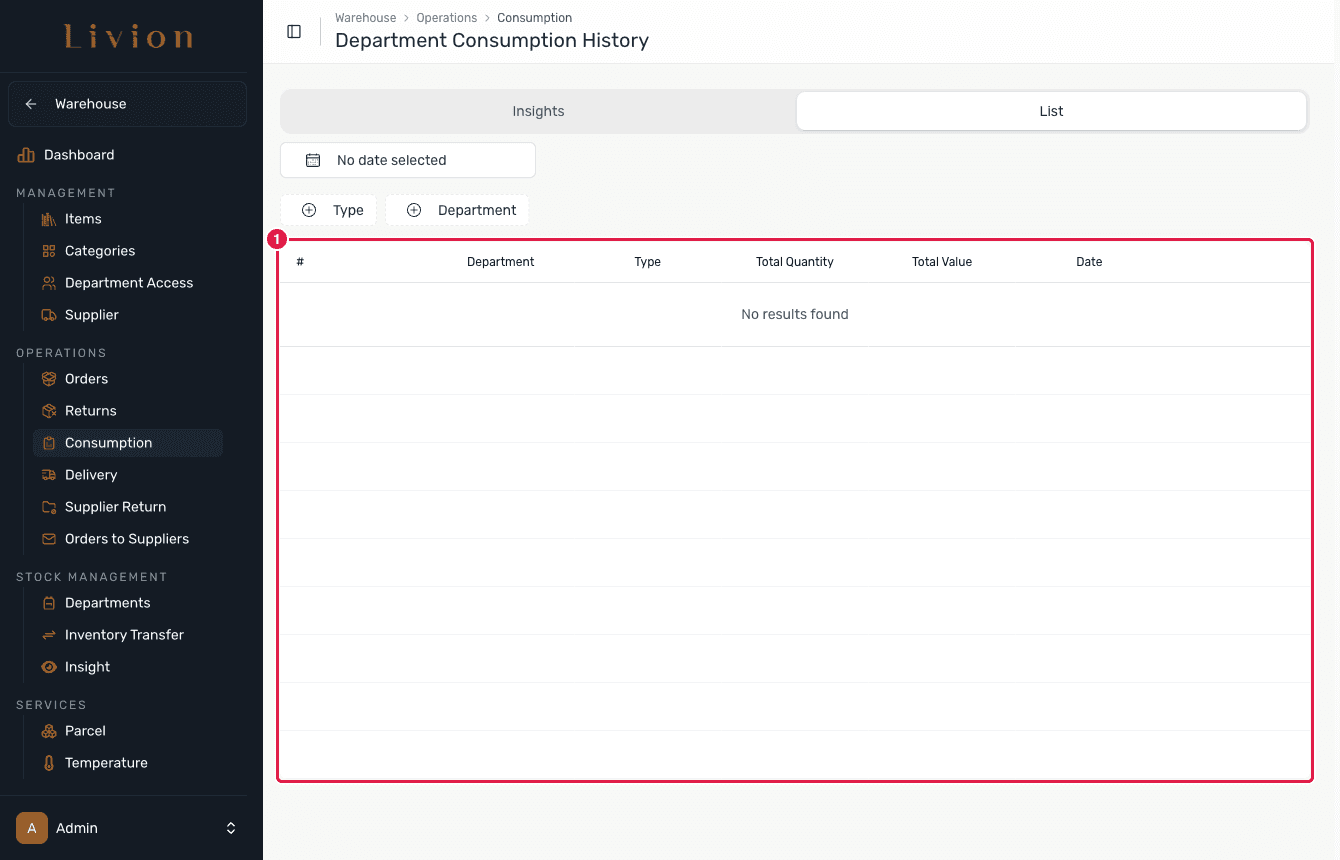
If a consumption was recorded in error, open its record and use Revert to add the items back to the department inventory. A consumption can only be reverted once. Revert becomes reachable once records exist.
What happens next
- Recording a consumption removes stock from the department inventory as a
stock movement (Type
CONSUMPTION), valued FIFO and processed as an asynchronous job. - The history can be filtered by department and date range and exported to CSV.
- Reverting a consumption adds the items back to the department inventory.
Reporting reflects recorded movements only. A consumption can be reverted just once — the action is guarded against a double revert.