

Return Request
Items returned from departments are displayed here. Review the details and take the necessary action.
Items returned from departments are displayed here. Review the details and take the necessary action.
warehouse role.Accepting and rejecting returns requires the Warehouse administrator
permission. Departments raise their own returns from the self-service inventory
in /department/me; this page is where the administrator decides what happens to
the returned goods.
How it works
Review the return list
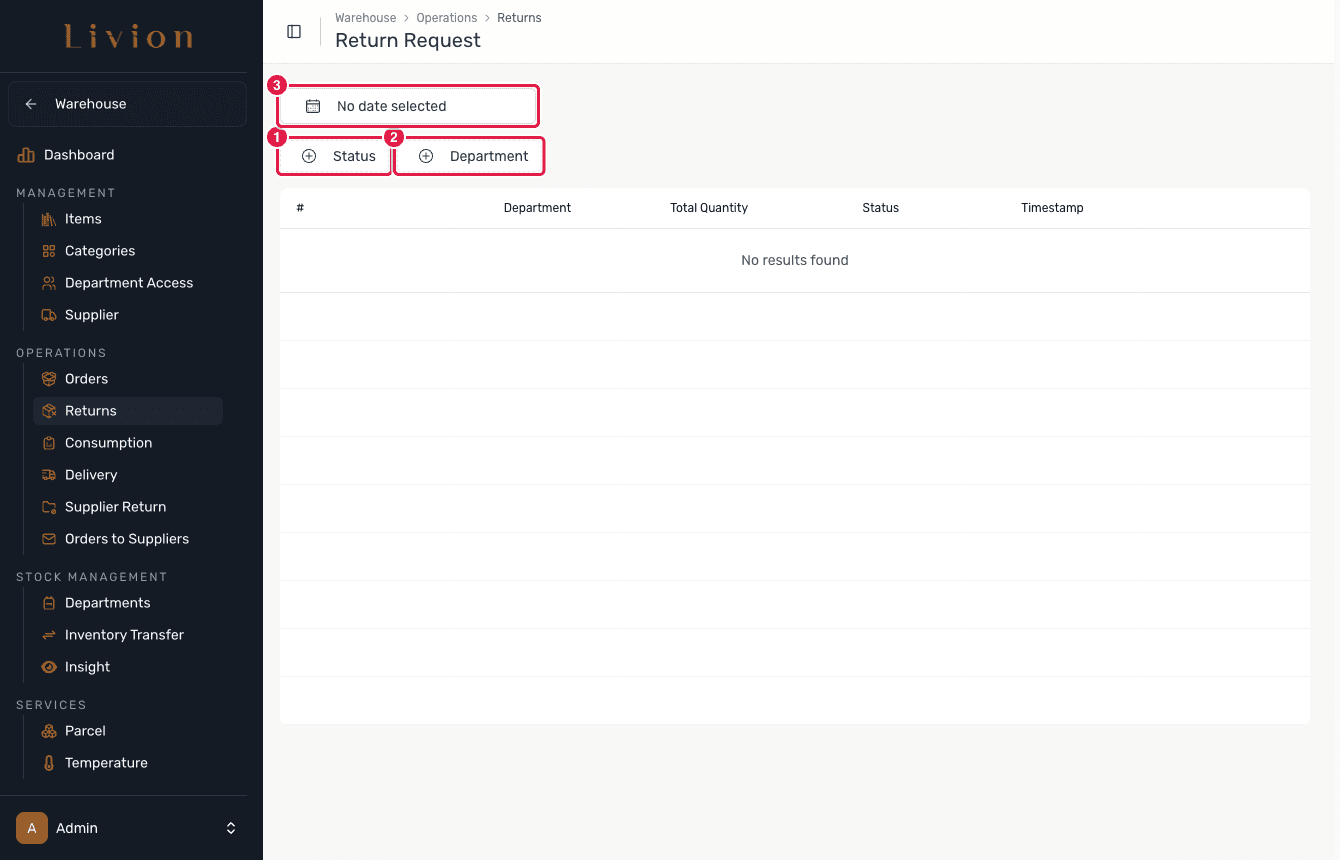
In the Warehouse module open Operations → Return Request. The list has columns #, Department, Total Quantity, Status and Timestamp, and filters for Status, Department and a date range. A return arrives as Pending: the quantity has already left the department's inventory and is held in limbo, waiting for your decision.
Open a return
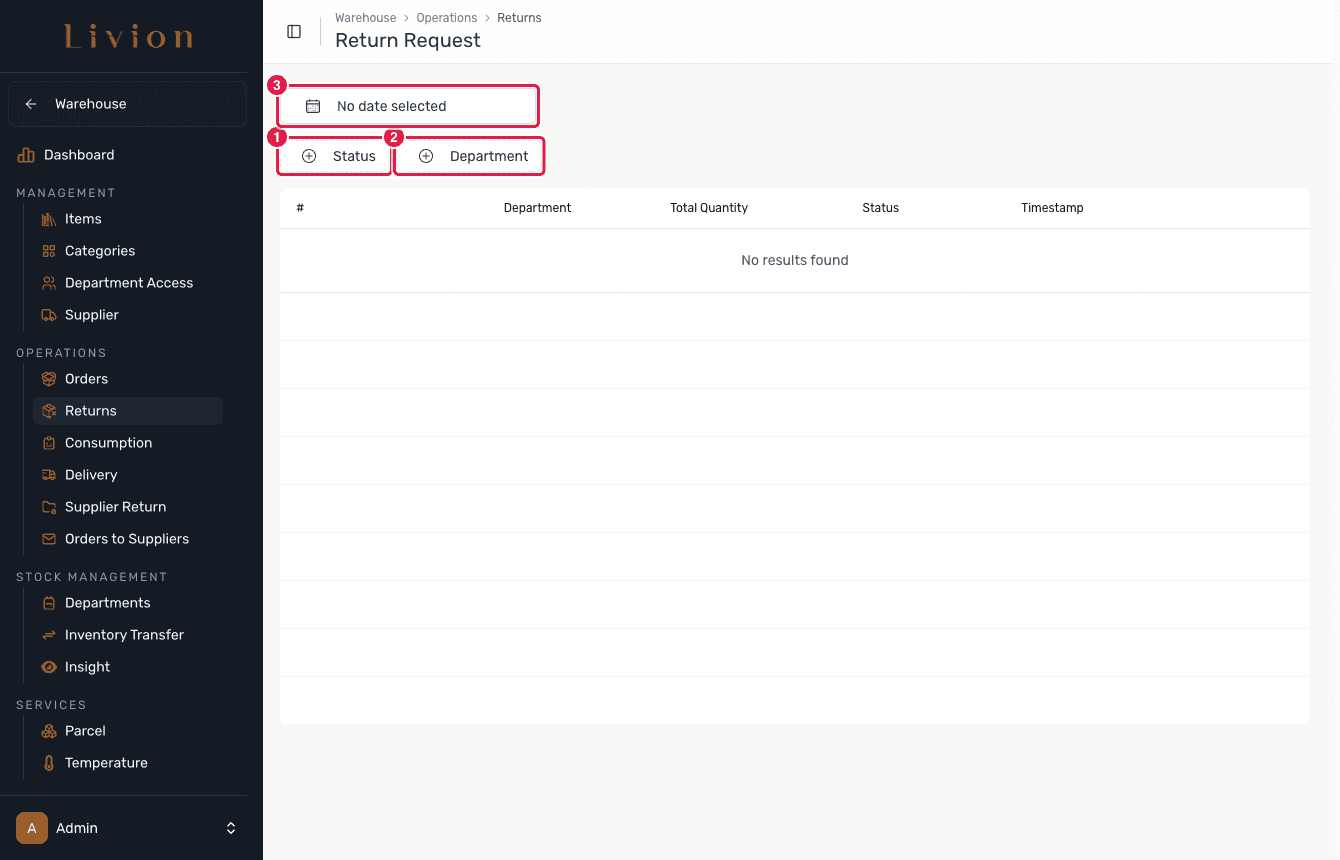
A return opens here when a department submits one. Open it to see the department, the items and the quantities being sent back — that is where you Accept or Reject it. Until a department submits a return the list stays empty.
Accept or reject
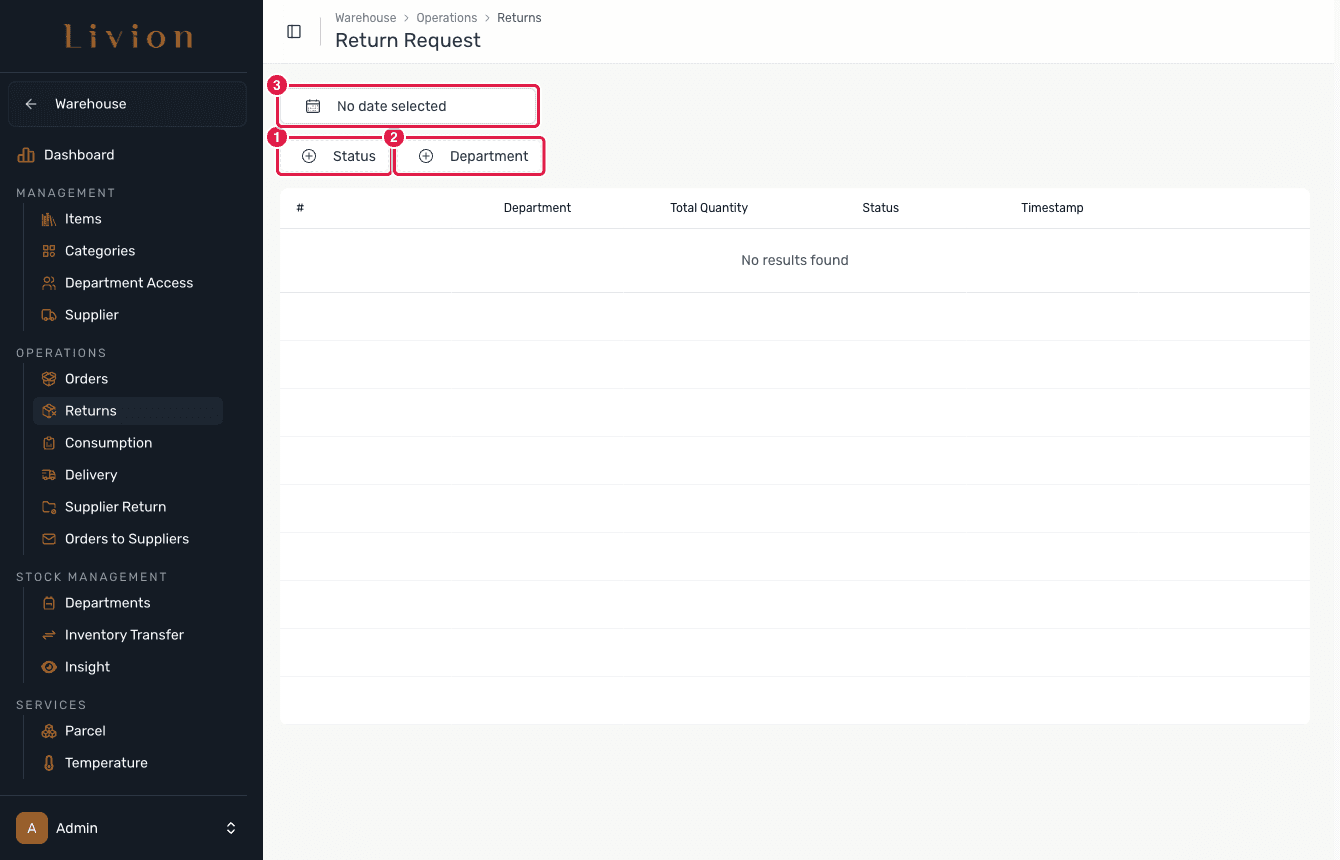
On a return's details, Accept takes the goods back into the warehouse, or Reject sends them back to the department. Reject is only available while the return is Pending.
What happens next
- When a department creates a return, the quantity is immediately removed from the department inventory and held as Pending.
- Accepting moves the items into the warehouse inventory as a stock
movement (Type
RETURN), processed as an asynchronous job. - Rejecting returns the items to the department inventory.
- If a return only partially arrives, a new return is auto-created for the missing items.
A return removes the quantity from the department inventory the moment it is created, before you review it. Reject is only available while the return is Pending.