

Department Insight
Detailed inspection of department item consumption and orders
Department Insight is a read-only analytics view of how a department consumes items and what it has purchased, so a Warehouse administrator can spot trends and costs.
warehouse role.Department Insight requires the Warehouse administrator permission. It only reads data — nothing you do here changes stock or records.
How it works
Open Department Insight
In the Warehouse module open Stock management → Department Insight. The view has two tabs: Data Tables and Purchased statistics.
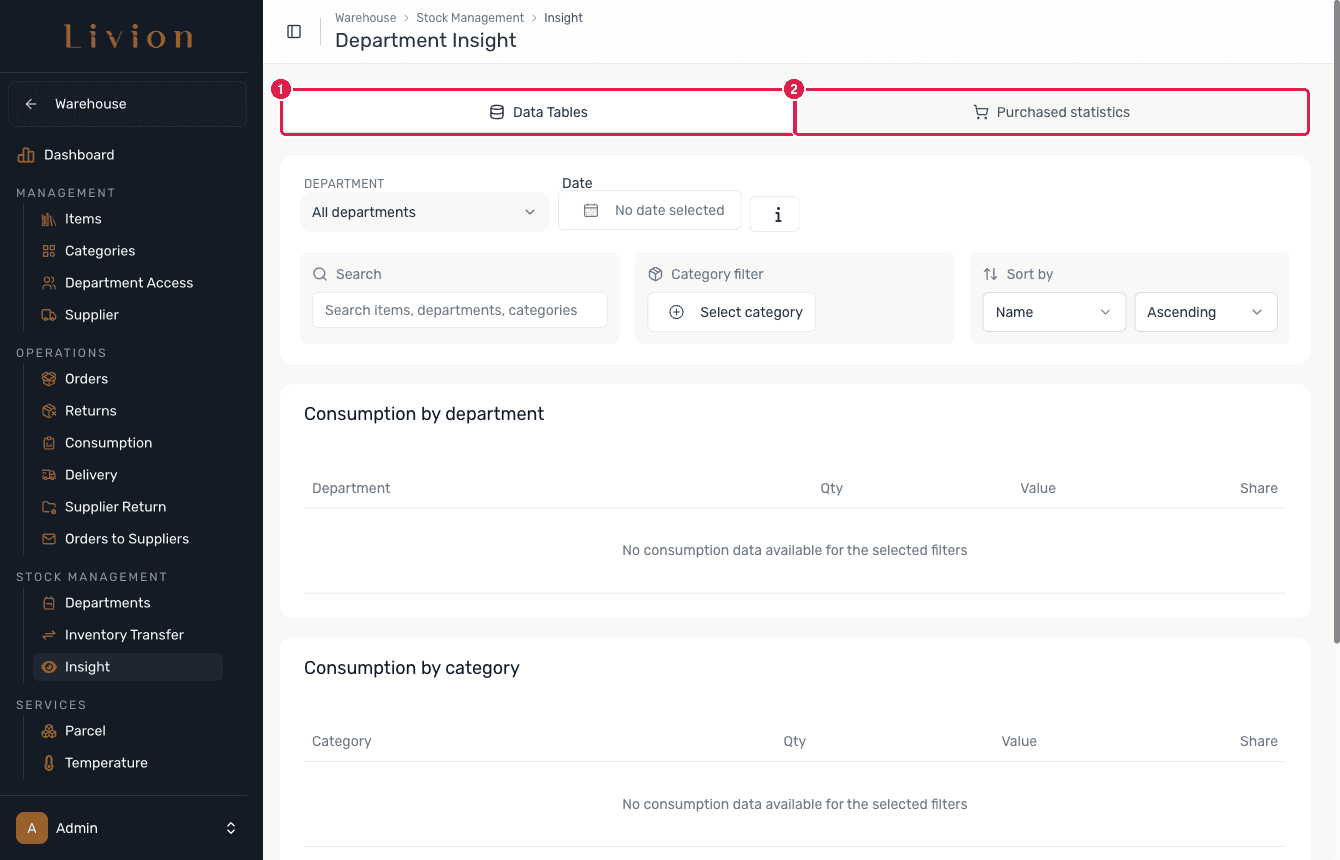
Read the consumption tables
On Data Tables, pick a department, a date, and narrow the figures with the search box and the category filter. Below the controls three consumption tables break the data down by department, by category and by item.
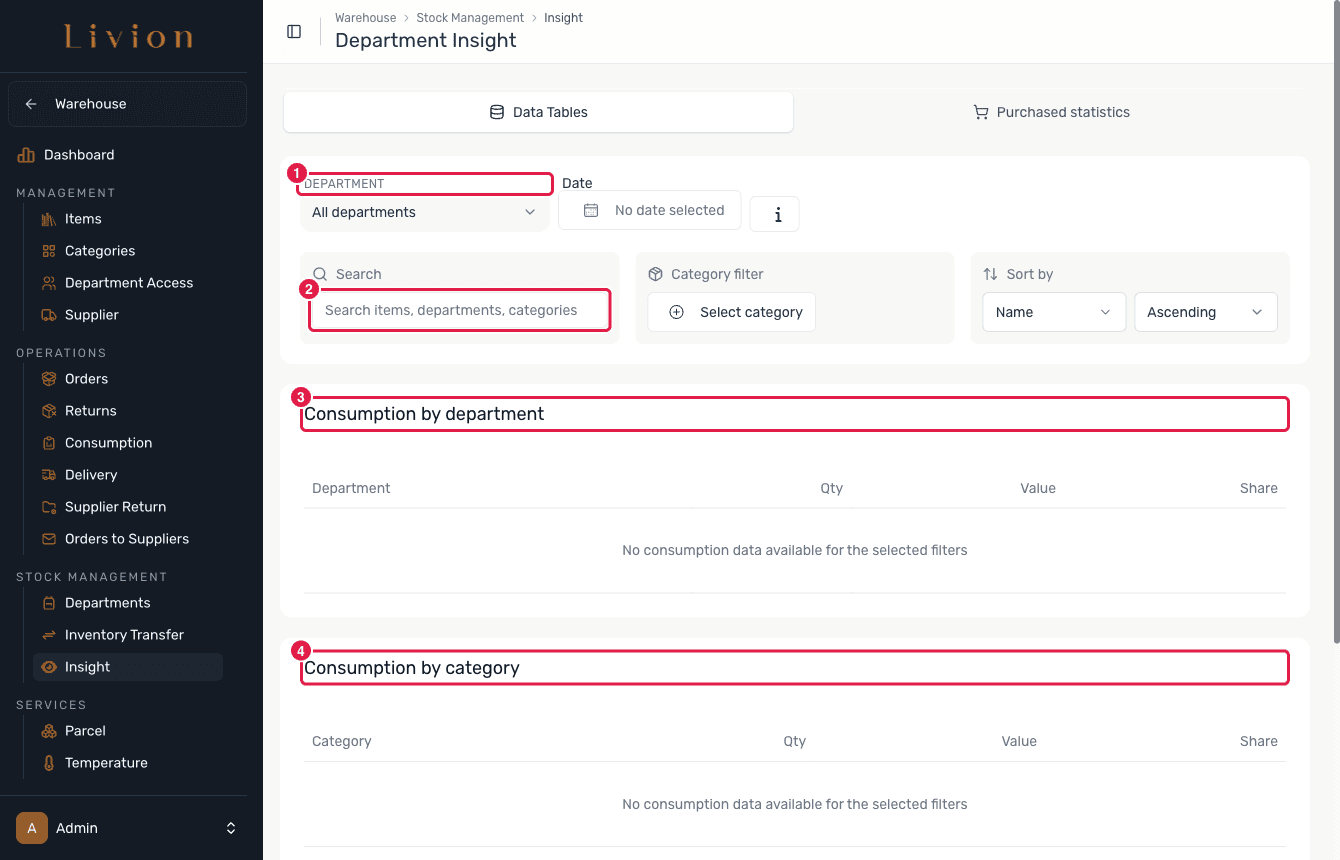
Check the purchased statistics
The Purchased statistics tab summarises what the department has bought as KPI cards: Total spend, Purchased quantity, Deliveries and Active suppliers.
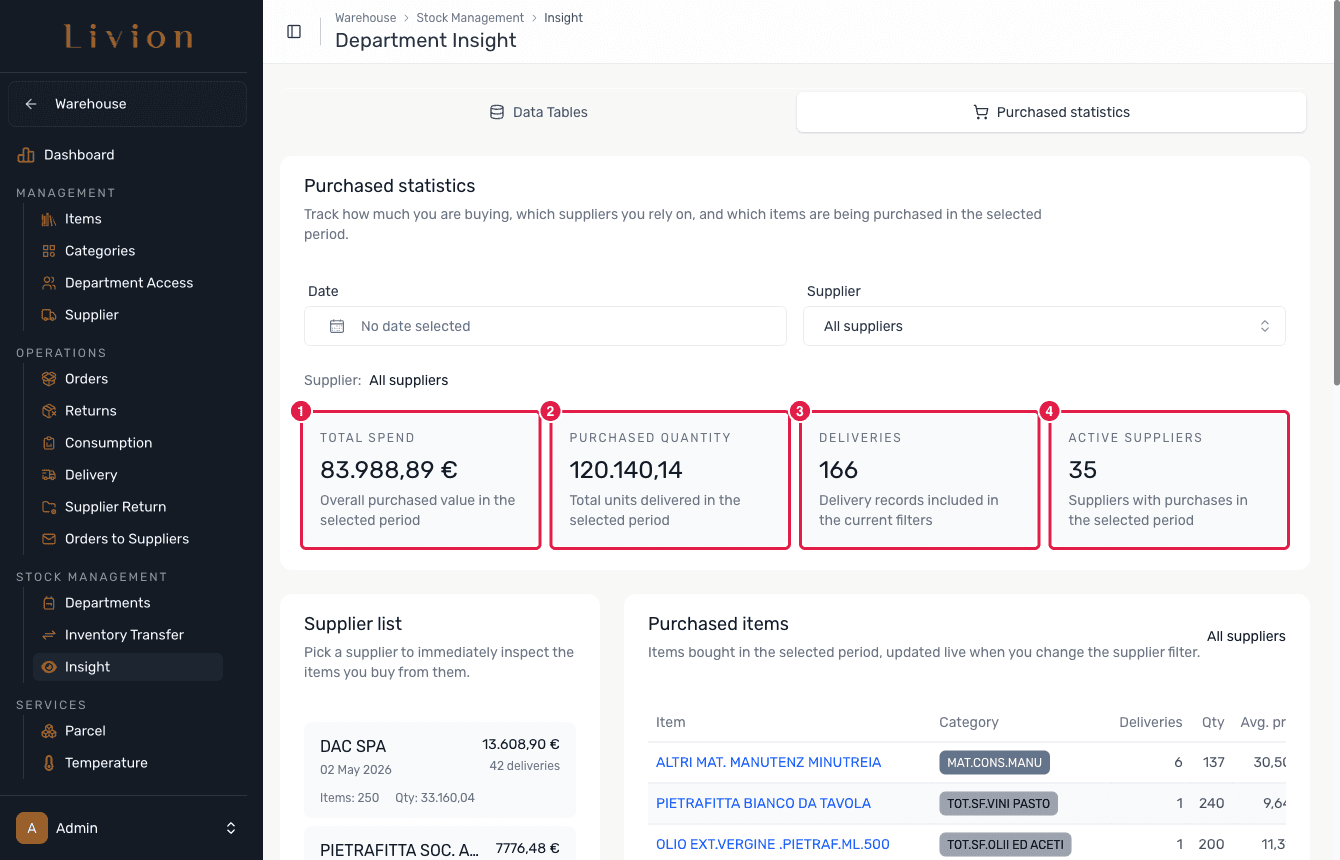
What happens next
- Nothing is written. Department Insight is purely analytical: it reports on data that already exists and never creates or edits stock movements.
Reporting reflects recorded movements only. Consumption or orders that were never logged in Livion will not appear here.